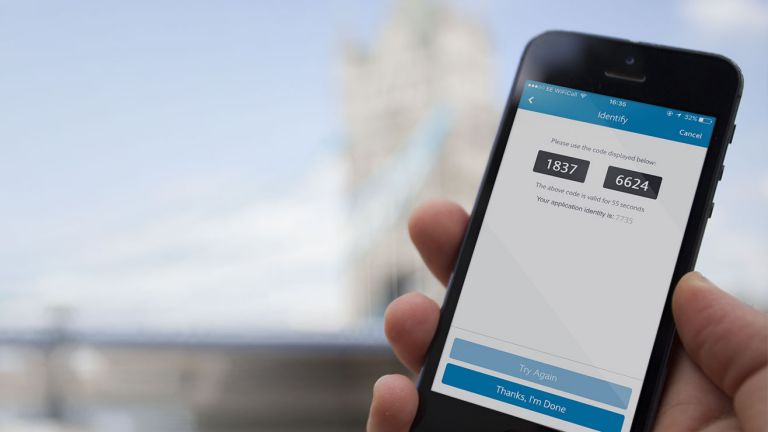
How to use the PINsentry card reader
Once you've registered as a PINsentry user, you need to use your card reader every time you log in to Online Banking and if you want to make payments to someone new from your account.
When you’re ready to use the PINsentry card reader, remove the warning label from the screen.
Screen-by-screen instructions showing you how to use your Barclays Bank card and card reader are provided in Online Banking. They will show you how to create a unique eight-digit code that you need to log-in or authorise a payment.
You enter the code displayed on the PINsentry card reader, plus your Online Banking membership number and the last few digits from your card, on screens in Online Banking.
If at any time you enter your card PIN incorrectly three times into the card reader, your pin will lock and you won’t be able to use your card. Find out how to unlock your PIN
If you only need balance or payment information, you can log in using Basic Access without using the PINsentry device by following the link - Forgotten your log-in details?
You’ll soon get used to it and to show you how quick and easy it is we’ve produced a short tour. Tour PINsentry