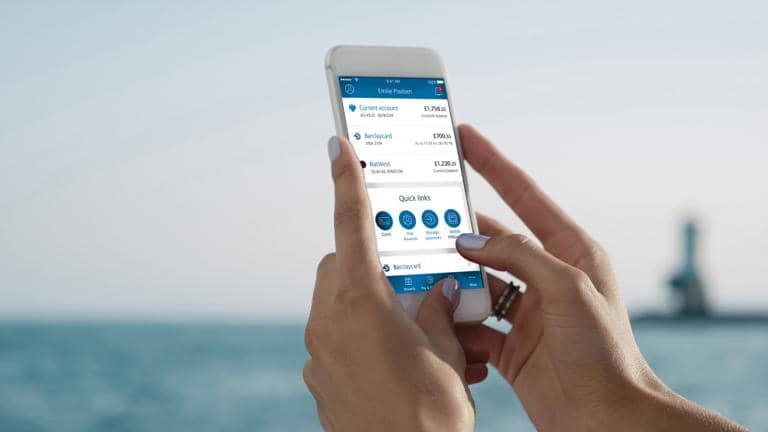
What else can your app do?
The Barclays app1 is here to help you manage your money on the go – safely and securely. But there’s much more to it than that.

Keep track of your cash with alerts
Stay on top of your money – alerts are a great way to keep on top of your personal and business finances.
We’ve created a range of alerts to help you stay on top of your money. You can see your balance, borrowing and spending, all at a glance.
How alerts can help you
You’re in control – tell us what you want to know about your money by choosing the alerts that are important to you.
You can register, change, suspend and opt out of our alerts in Online Banking, in Telephone Banking or in branch.
We’re required by regulation to automatically register most personal current account customers for alerts regarding an arranged overdraft, unarranged borrowing (when you go beyond your limit) and returned payments.
You’ll only be able to receive alerts if you’ve provided us with your current mobile number. You can opt out, if you want to.
You might get other alerts from us, from time to time, as part of our efforts to improve your banking experience.
You’ll get alerts by text message, as standard. If you have our app, you can get your alerts delivered conveniently and securely as notifications from the app (where available).
Already have the app?
You can turn on push notifications – log in, go to ‘More’, tap ‘Settings’ and then choose ‘Enable push notifications’.
Don’t have it?
Get the Barclays app to get alerts delivered more conveniently and securely.
Your alerts hold information personal to you and your account, so it’s important they’re kept safe and secure.
To keep your alerts information secure, we’ll
To help keep your account secure, we recommend you
For more advice on protecting yourself from Fraud, visit our security page.
To register in Online Banking, log in, select ‘My profile’ in the panel below your name and choose ‘Notification preferences’.
You can also register by speaking to us in branch or using Telephone Banking (if you’re registered).
The Barclays app1 is here to help you manage your money on the go – safely and securely. But there’s much more to it than that.
Barclays Bank UK PLC and Barclays Bank PLC are each authorised by the Prudential Regulation Authority and regulated by the Financial Conduct Authority and the Prudential Regulation Authority.
Barclays Insurance Services Company Limited and Barclays Investment Solutions Limited are each authorised and regulated by the Financial Conduct Authority.
Registered office for all: 1 Churchill Place, London E14 5HP